
DAESUNG G4 Gas Meter Data Gateway with MQTT Uplink
Data acquisition and MQTT publishing layer for DAESUNG G4 gas meters. Normalises meter readings into structured JSON payloads and delivers them to a dedicated EMQX cluster with reconnect handling.
Request a quote for this model: info@zowinda.com
Technical specifications
| Meter interface | DAESUNG G4 |
|---|---|
| Transport | MQTT over TLS |
| Broker | Dedicated EMQX cluster |
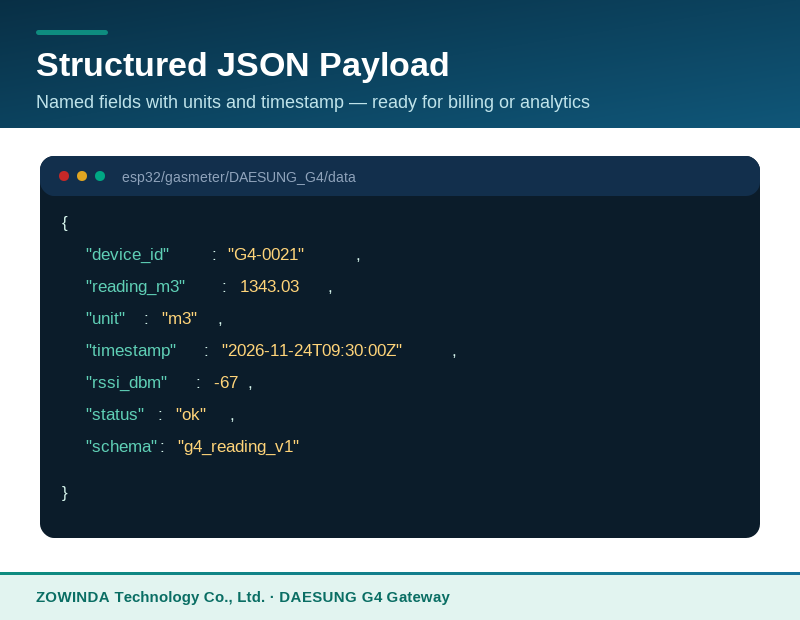
| Topic | esp32/gasmeter/DAESUNG_G4/data |
| Payload | Structured JSON |
| Connection loss | Automatic reconnect and retry |
Protocols & interfaces
Overview
This integration reads DAESUNG G4 gas meters and publishes normalised readings to an MQTT broker, so downstream billing or analytics systems do not need to understand the meter's native frame format. It is a data-acquisition layer, not a replacement meter.
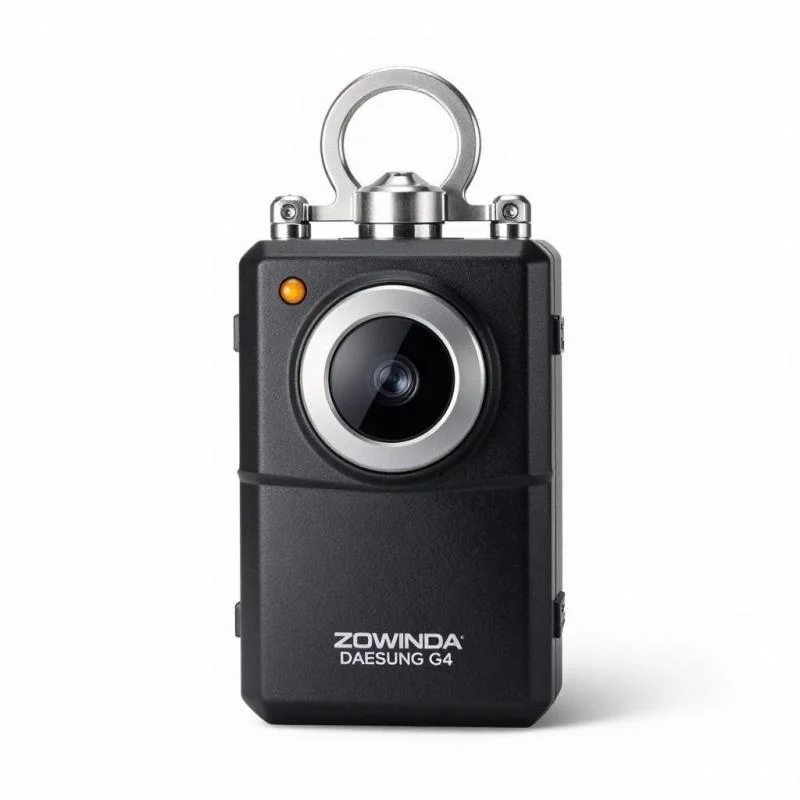
The gateway terminal reads the meter locally, converts the raw values into named fields and pushes them to a dedicated EMQX cluster — a single, clean data path from the meter to the cloud.

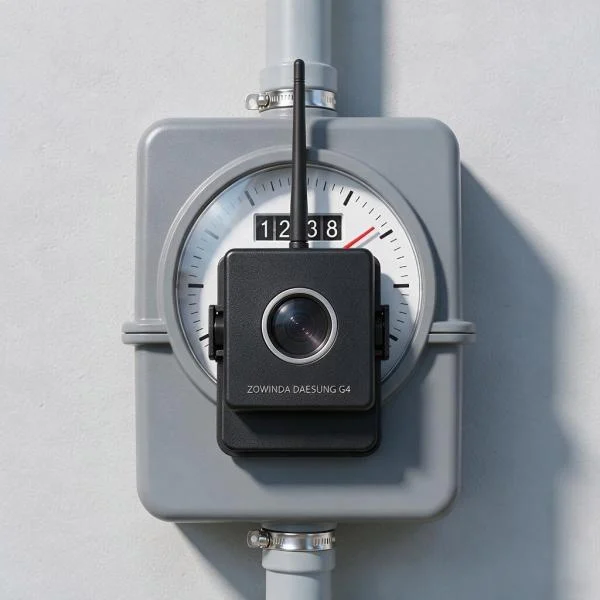
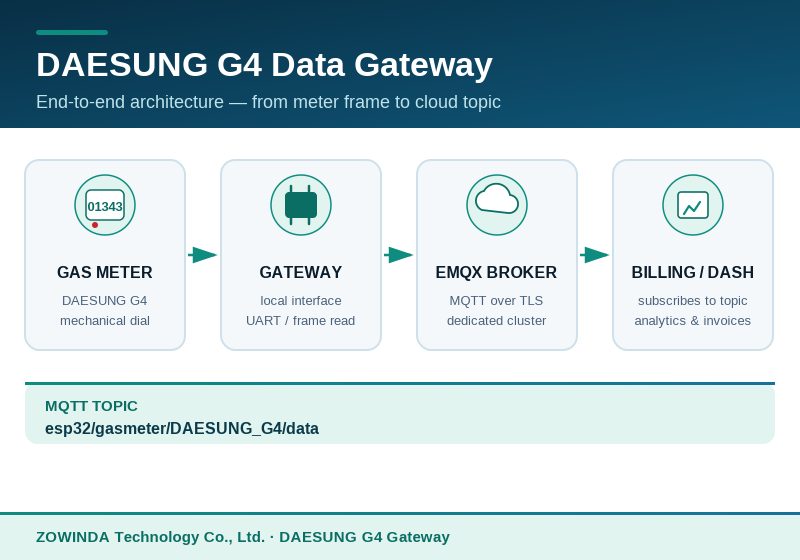
System architecture
Four building blocks carry a reading from the meter all the way to the billing dashboard.
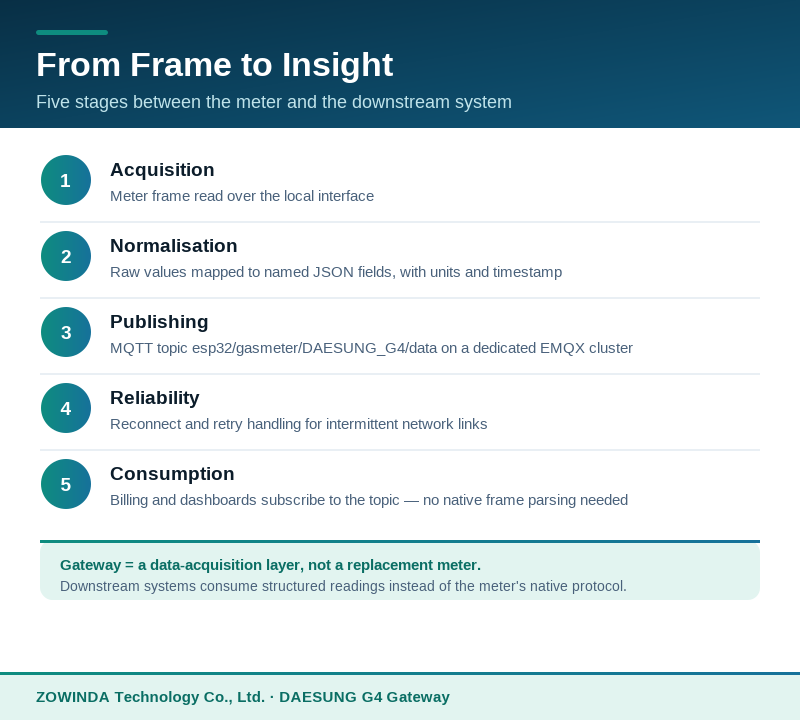
Data flow
| Stage | Detail |
|---|---|
| Acquisition | Meter frame read over the local interface |
| Normalisation | Raw values converted into named JSON fields with units and timestamp |
| Publishing | MQTT topic esp32/gasmeter/DAESUNG_G4/data on a dedicated EMQX cluster |
| Reliability | Reconnect and retry handling for intermittent network links |
| Consumption | Downstream billing / dashboard subscribes to the topic |
Structured payload
Readings are published as structured JSON with named fields, physical units and a timestamp, so the downstream system can consume them directly.
Integration checklist
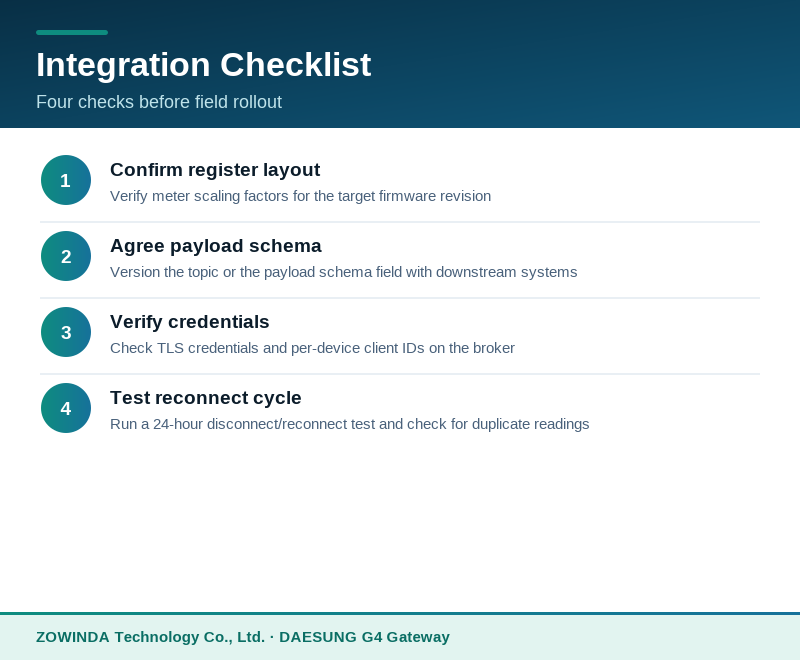
- Confirm the meter's register layout and scaling factors for the target firmware revision.
- Agree a payload schema with the downstream system before field rollout, and version the topic or the payload
schemafield. - Verify TLS credentials and per-device client IDs on the broker.
- Test a 24-hour disconnect/reconnect cycle and check for duplicate readings.
Documentation status
Topic names and payload structure are project-specific. Confirm the final schema and broker credentials against the integration specification before deployment.